← Back to Customer Resources
Google Merchant Center (GMC) Access
You'll need Admin access on your Merchant Center account to add new users. If you don't see these options, ask whoever manages your account to complete these steps.
STEP 1
- Sign in to your Google Merchant Center account.
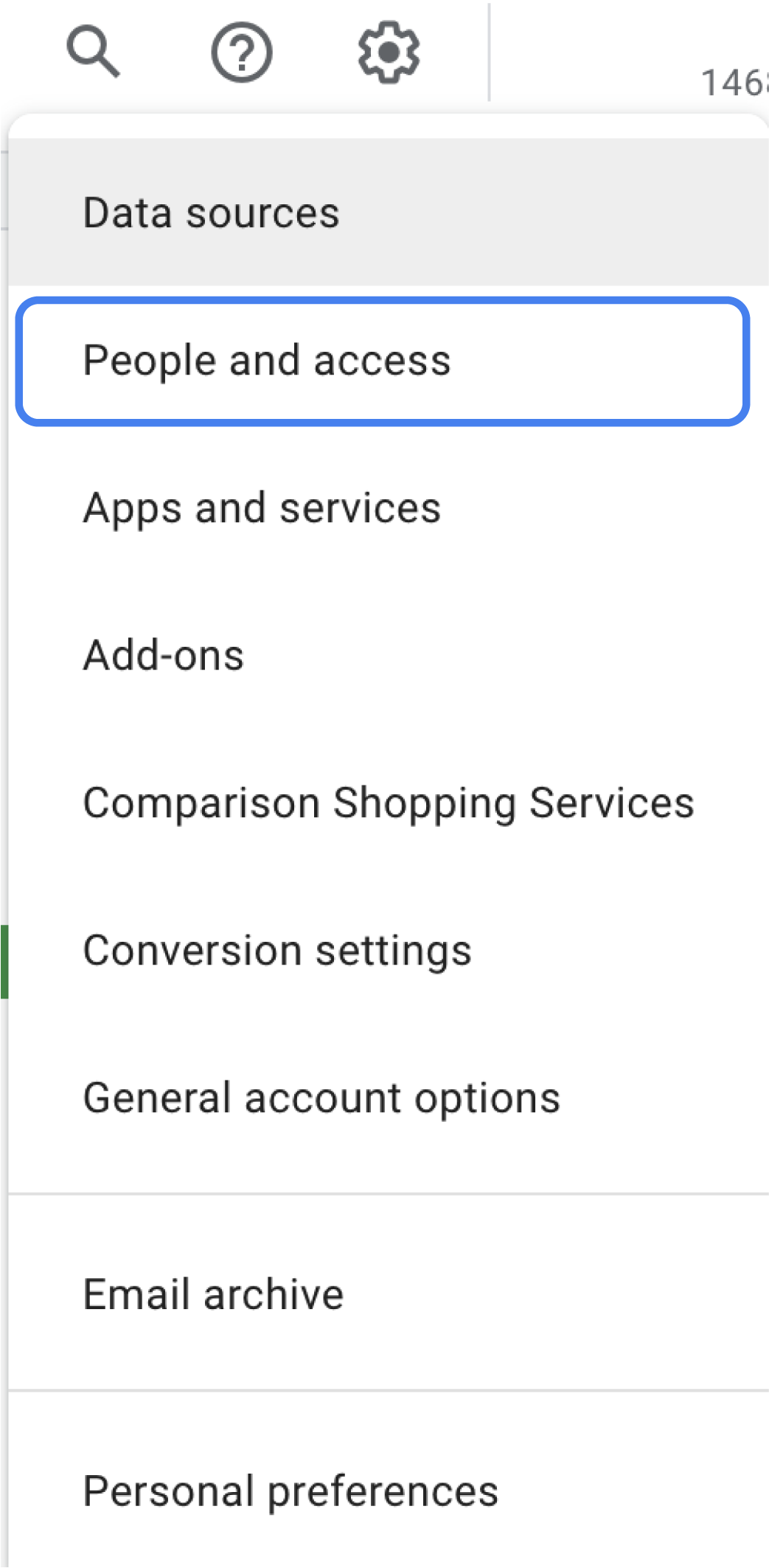
- Click the tools icon, then select People and access.
- Under People, select Add person.
STEP 2
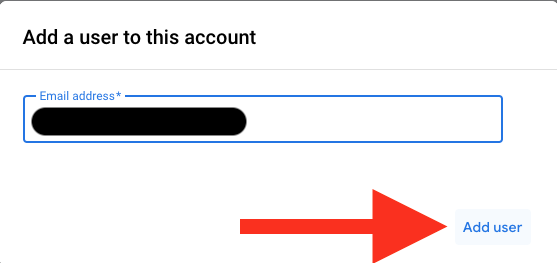
- Enter the email address analytics@statbid.com.
- Click Add user.
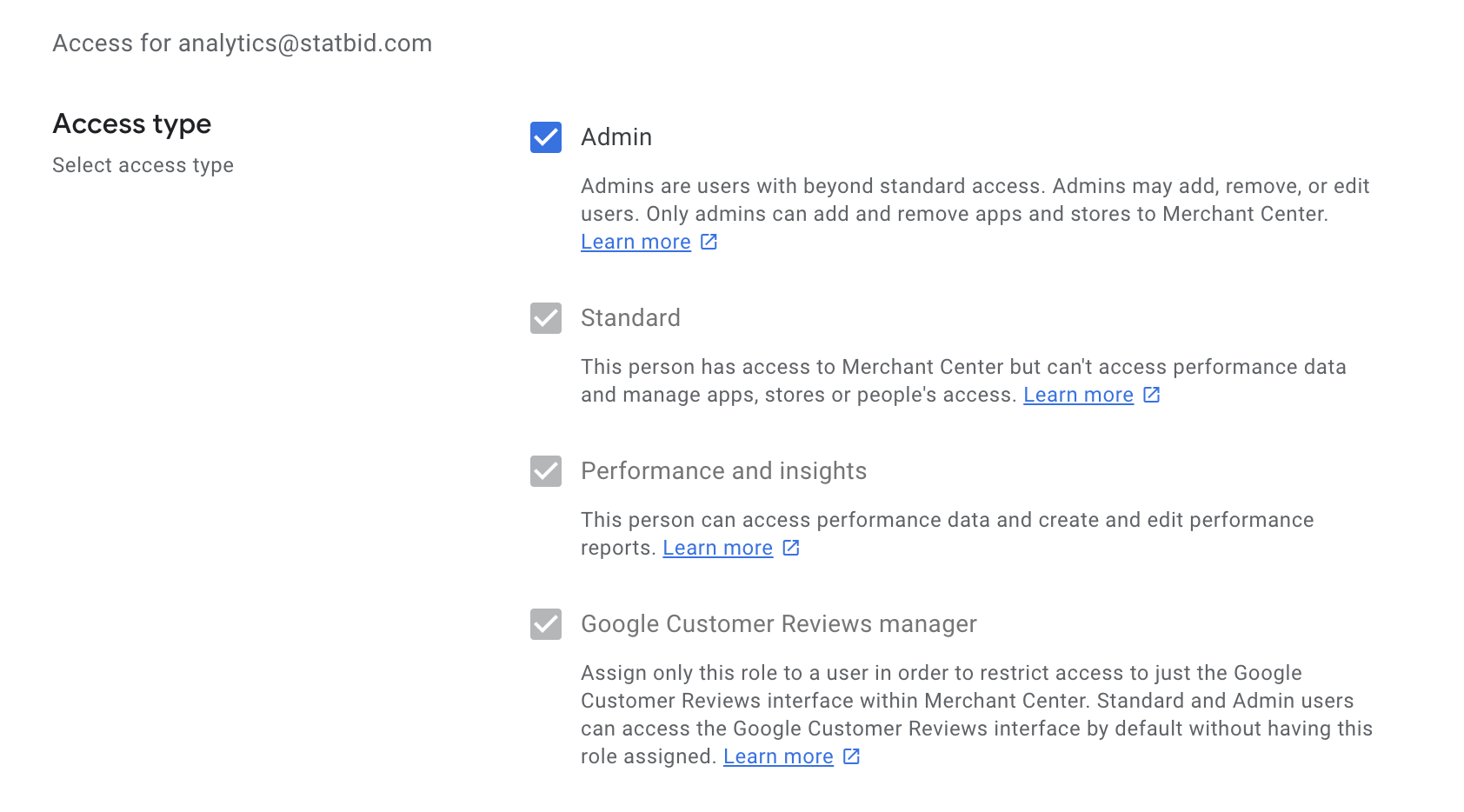
- Select Admin and de-select the email notifications (several are selected by default).
- Click Save.
Questions? Reach out to your account manager, or email analytics@statbid.com.