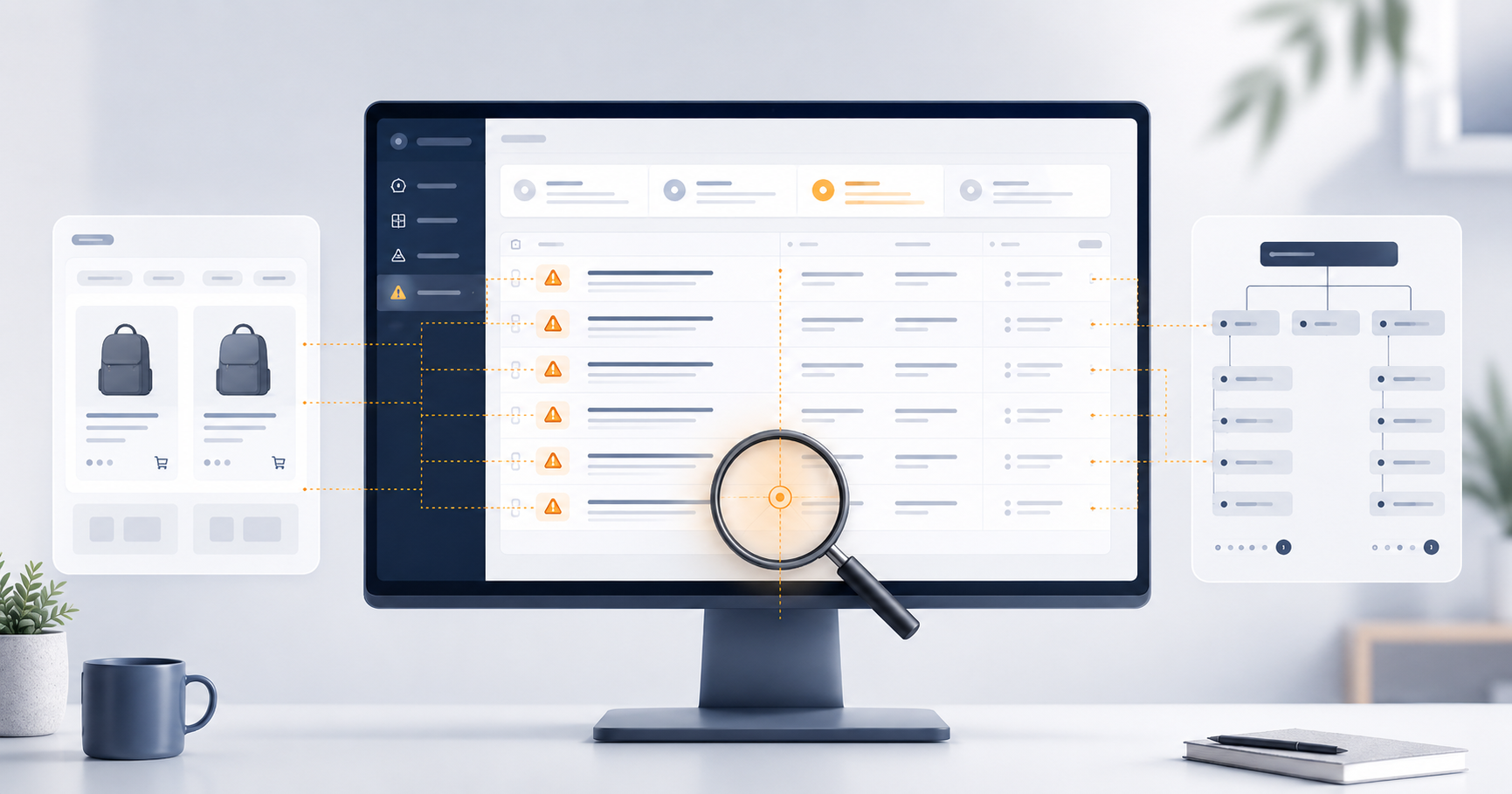

When a site audit flags duplicate meta titles, most merchants treat it as a writing task: find the duplicates, update the titles, check the box. Duplicate meta titles can come from two very different places, and the fix for each is completely different. Applying the wrong fix wastes time cleaning up symptoms while the underlying cause keeps generating new ones.
Before you fix duplicate meta titles, you need to know why you have them.
Where Meta Titles Actually Come From
On most ecommerce sites, meta titles are generated directly from the content you’ve already created. Product titles, collection names, blog post titles, page titles: each feeds directly into the meta title for that URL.
This means meta title quality is downstream of content quality. If your product titles are vague, generic, or inconsistently written (“Black T-Shirt,” “Blue T-Shirt,” “Men’s Shirt”), your meta titles are going to reflect that. No amount of SEO work changes meta titles without first improving the source content they’re generated from. That’s a content and merchandising problem as much as an SEO one, and it’s worth naming clearly because it often gets left out of the duplicate meta title conversation entirely.
The reason it matters: meta titles are among the strongest on-page ranking signals search engines use. Along with the H1 heading of a page, the meta title tells search engines exactly what a page is about and defines the keywords you want it to rank for. A page without a strong, unique meta title is harder for search engines to categorize correctly. A page sharing the same title as dozens of other pages on your site gives search engines no meaningful signal about which one to surface.
Duplicate meta titles come from one of two places: the content itself, or the platform architecture. Both show up in the same crawl report and look identical on the surface. What differs is the cause, and therefore the fix.
Content-Based Duplicates: Start With the Catalog
If your site has duplicate products, duplicate collections, duplicate blog posts, or duplicate pages, those duplicates will produce duplicate meta titles, because the same title is applied to multiple URLs carrying the same content.
This happens more often than merchants expect, and it shows up in a couple of different ways.
We recently audited a Shopify site where the crawl flagged a number of product URLs with duplicate meta titles. The merchandising team had added new products without realizing the titles matched existing ones. In this case the products were actually different — each had a key feature that set it apart — but that differentiator wasn’t reflected anywhere in the product title. The fix was adding those differentiating attributes directly to the product titles. Once the product titles were distinct, the meta titles followed automatically.
A different Shopify client had a similar-looking problem with a very different cause. The merchandising team had uploaded the same set of products twice. The crawl flagged the same duplicate title patterns, but the underlying issue was that the products themselves were identical — same content, two sets of URLs. The fix there was deleting the extra products. Writing new meta titles for those duplicates would have made the problem worse: it would have given each duplicate a unique-looking title while leaving the actual duplicate content untouched, making it harder to identify in the next audit.
How to diagnose: When two product URLs share a meta title, check whether they share a SKU. Matching SKUs mean a true duplicate product — consolidate or delete. Different SKUs mean the products are distinct but the titles aren’t capturing what makes them different. Add the key differentiating attributes to the product titles and the meta titles will follow automatically.
Architecture-Based Duplicates: When the Platform Generates the Problem
The more common cause of duplicate meta titles is the platform itself. Ecommerce CMS platforms are designed to generate pages automatically: collection filters, blog tag archives, pagination, search results, sorted views. Most of these features apply a template default title to every URL they generate. That default gets repeated across every page the feature creates, and the result is dozens or hundreds of identical meta titles attached to URLs the merchant never intentionally built.
Template inheritance works exactly this way by design. The platform does what it was built to do. The gap is that the default behavior usually doesn’t differentiate titles across the generated URLs, and left unaddressed it creates an indexation problem that compounds over time.
The patterns below cover most of what we find in site audits, along with the fix for each.
Filtered Product Pages
Filter-by-color, sort-by-price, material facets: each filter state generates a URL. Many platforms don’t update the title tag dynamically across filter combinations, so every filtered view of a collection inherits the same title as the main collection page.
On most ecommerce sites, the right default is to block filter URLs from being crawled entirely — either through robots.txt or by marking them as noindex. The volume of filter combinations that most catalogs can generate is large enough that leaving them crawlable by default hands search engines a significant amount of thin, duplicative content and dilutes crawl budget away from the pages you actually want indexed.
The exception is specific filter combinations that surface genuinely unique and valuable content. A “women’s trail running shoes under $100 in wide width” filter might produce a set of products a shopper is actively searching for that no single collection page captures. Those pages can be worth indexing, but only if they have unique titles and enough content to justify the indexation.
The tradeoff is real: selectively indexing a handful of high-value filter combinations while keeping the rest hidden requires deliberate management. You need a way to identify which filter URLs are worth exposing, write unique titles for those specifically, and maintain that list as the catalog changes. Most sites underestimate how much ongoing work that is, which is part of why the default-to-noindex approach is usually the right starting point.
We worked with a large sporting goods retailer on Magento that had made the deliberate decision to keep specific filtered pages crawlable for their long-tail search value. The problem was that Magento had no default template for generating unique meta titles from filter values, so every filtered page carried the same title as the parent collection page despite containing a meaningfully different set of products. The initial fix was a custom template that automatically pulled the active filter value into the title tag. From there, the team wrote improved custom titles for the highest-traffic filtered pages.
Fix: Block filter URLs by default using robots.txt or noindex. Identify any specific filter combinations that surface unique, high-value content worth ranking for, and handle those individually with unique titles. If your platform generates filter URLs without a mechanism to control which ones get indexed, implementing that control is the first priority.
Blog Tag and Category Archive Pages
Every tag on a blog creates an archive URL. Every category creates another. Most platforms apply the same default title to all of them. A modestly active blog can generate 40 to 80 archive URLs with identical titles before anyone realizes it.
Blog tag pages are often best noindexed or removed from the site altogether, particularly when the tags cover topics similar to your collection or category pages. When tag pages compete with collection pages for the same search intent, they split ranking signals and reduce the visibility of the pages you actually want to rank. The test is whether a tag page provides something genuinely useful to a search engine — a focused, well-organized set of content on a specific topic — or whether it’s just a filtered view of your blog with a generic default title.
Fix: Noindex tag and category archive pages that duplicate collection intent or don’t offer meaningful standalone value. If a tag page genuinely organizes valuable content around a specific topic with its own audience, give it a unique descriptive title and treat it as a real content page worth indexing.
Pagination
Collection and category pages that span multiple pages frequently carry the same title on page 2, page 3, and beyond as they do on page 1.
Google’s current recommendation for paginated content is that each paginated page should be self-canonicalized — meaning each page points to itself as its own canonical rather than canonicalizing all pages back to page 1. This means paginated pages need unique meta titles. Repeating the page 1 title across all paginated pages creates duplicate meta titles and doesn’t reflect the actual content of each page in the sequence.
Fix: Update your title template to append the page number to paginated URLs. “Running Shoes – Page 2” rather than “Running Shoes” on every page. Each paginated page should self-canonicalize and carry a title that reflects its position in the sequence.
CMS Template Defaults Applied to Entire URL Classes
When a platform has no default meta title template defined for a class of URLs — brand pages, vendor pages, policy pages, location pages — one of two things typically happens: meta titles are left blank, or every page in that class inherits the site’s default title. The result is either no meta title at all or hundreds of pages sharing the same generic site-level title.
This happens across all major ecommerce platforms and is typically invisible until a crawl runs. Nothing on the frontend signals the problem.
Fix: Write unique titles for the affected pages and implement a dynamic title template for that URL class so new pages are handled automatically going forward. Fixing the existing pages without setting up the template means the next batch of pages will have the same problem.
Start With the URL Pattern
Duplicate meta titles are typically flagged when running a site audit with a tool like Semrush, Screaming Frog, or Ahrefs. When the crawl surfaces them, the URL structure is usually the fastest first diagnostic. Before opening any pages, look at the URLs themselves:
Two product pages with the same title: Check whether they share a SKU. Same SKU means a true duplicate product. Different SKU means the products are distinct but missing differentiating attributes in their titles.
Page numbers in the URL (/page/2, /page/3): Architecture problem. Add page numbers to the title template and self-canonicalize each page.
Query strings in the URL (?sort=price-asc, ?color=blue): The default is to block or noindex filter URLs. If a specific filter combination surfaces genuinely unique and valuable content worth ranking for, it can be handled individually with a unique title. Most filter URLs don’t clear that bar.
Tag archive paths (/tags/running, /blog/category/gear): Assess whether the tag page has genuine search value distinct from your collection pages. If not, noindex it or remove it.
No obvious URL pattern difference: Open the pages directly and compare content. Identical products, descriptions, and images almost always point to a catalog problem. Different content sharing the same title almost always points to a missing or broken title template.
Getting the Fix Right
The pattern that produces the most wasted effort in SEO audits is treating a duplicate meta title report as a title-writing queue. Someone gets assigned to write unique titles for every flagged URL. The titles get updated. The task gets closed. Six months later the same patterns show up in the next crawl, because the underlying content or architecture that generated the duplicates is still in place. The diagnosis has to come before the tool choice.
A handful of duplicate meta titles is unlikely to be a serious problem on its own. But it is a relatively straightforward fix once you understand what’s causing it, and addressing it properly helps you resolve both structural and content issues that may be limiting how high you can rank. The strength of your content still matters more than almost anything else. Getting your meta titles right just helps you put your best foot forward with what you already have.
After any changes go live, a recrawl using the same tool that flagged the originals confirms that search engines are reading the new configuration as intended. SEO changes that don’t get confirmed often don’t get implemented cleanly.
If you run into a situation where you’re not sure which type of problem you’re dealing with or which fix applies, feel free to reach out. I’m happy to take a look.